Booking software should fit the work happening that day.
Service businesses still take phone calls, review unusual requests, manage staff availability, and keep clients informed. Schedl puts those tasks around one appointment calendar.
See the workflow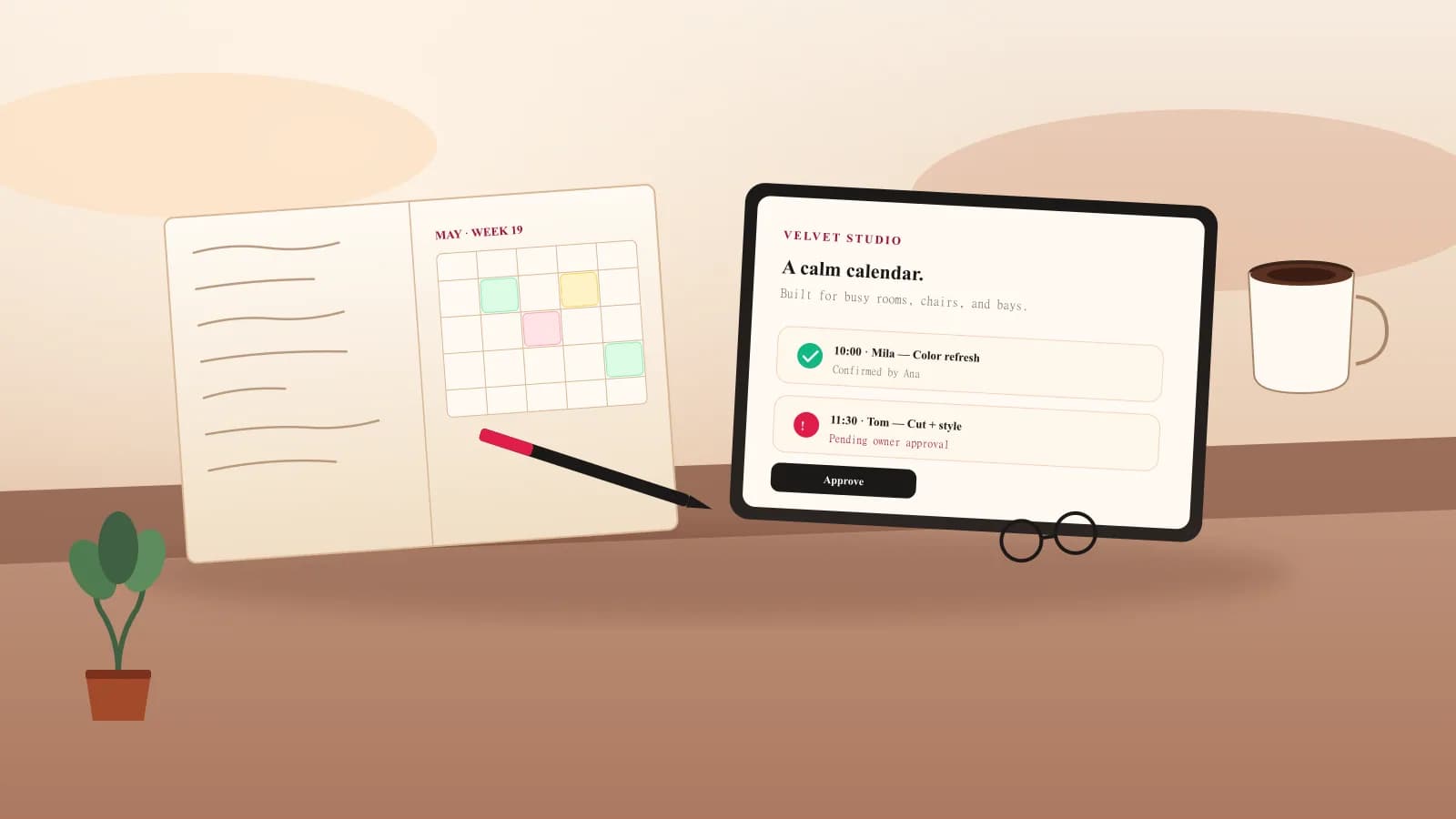
Built for operators
A calendar for rooms, chairs, service bays, and studios.
Our point of view
A public form is only the first step. The booking still has to fit a professional's hours, leave enough time for the service, reach the right calendar, and tell the client whether the request is pending or confirmed.
Schedl is designed around that handoff. The owner makes or approves the appointment. The client receives a confirmation and a secure link for the actions the business allows.
The aim is to reduce the repair work around a booking: fewer calls to confirm details, fewer messages asking for the time, and one place to see what still needs attention.
Every appointment should have a clear next step.
Owner opens a real slot
Tap the calendar, choose the service, enter the client, and pick reminder channels.
Client requests a time
They choose service, professional, and time from a branded portal that feels like the business.
Owner approves
Pending requests stay visible until the owner confirms or declines them.
Confirmation + portal link
Client receives a friendly message with a secure manage link for rescheduling, canceling, or staying in touch.