One appointment flow for the owner and the client.
Schedl connects online booking, the owner calendar, request approval, reminders, and the client manage link.
Example owner calendar · Ana
Today's appointments
Mila
Color refresh
Leo
Cut + styling
Nora
New request
Manual bookings and approved requests share the studiocalendar. Reminder channels can be enabled separately.
Client message
Appointment details with a manage link.
From booking request to the appointment day.
See what the client submits, what the owner reviews, and what both sides receive after confirmation.
Owner opens a real slot
Tap the calendar, choose the service, enter the client, and pick reminder channels.
Client requests a time
They choose service, professional, and time from a branded portal that feels like the business.
Owner approves
Pending requests stay visible until the owner confirms or declines them.
Confirmation + portal link
Client receives a friendly message with a secure manage link for rescheduling, canceling, or staying in touch.
A client can understand every next step.
They can book, receive a confirmation or pending request message, open their portal, and handle changes without calling the business.
Booking experience
- Mobile-first portal
- Service and team pages
- No client account required
- Secure manage link
Operations
- Staff schedules
- Service durations
- Manual phone bookings
- Owner approval flow
- Needs-attention inbox
- Client CSV import
Revenue protection
- Reschedule/cancel links
- Reminder history
- No marketplace commission
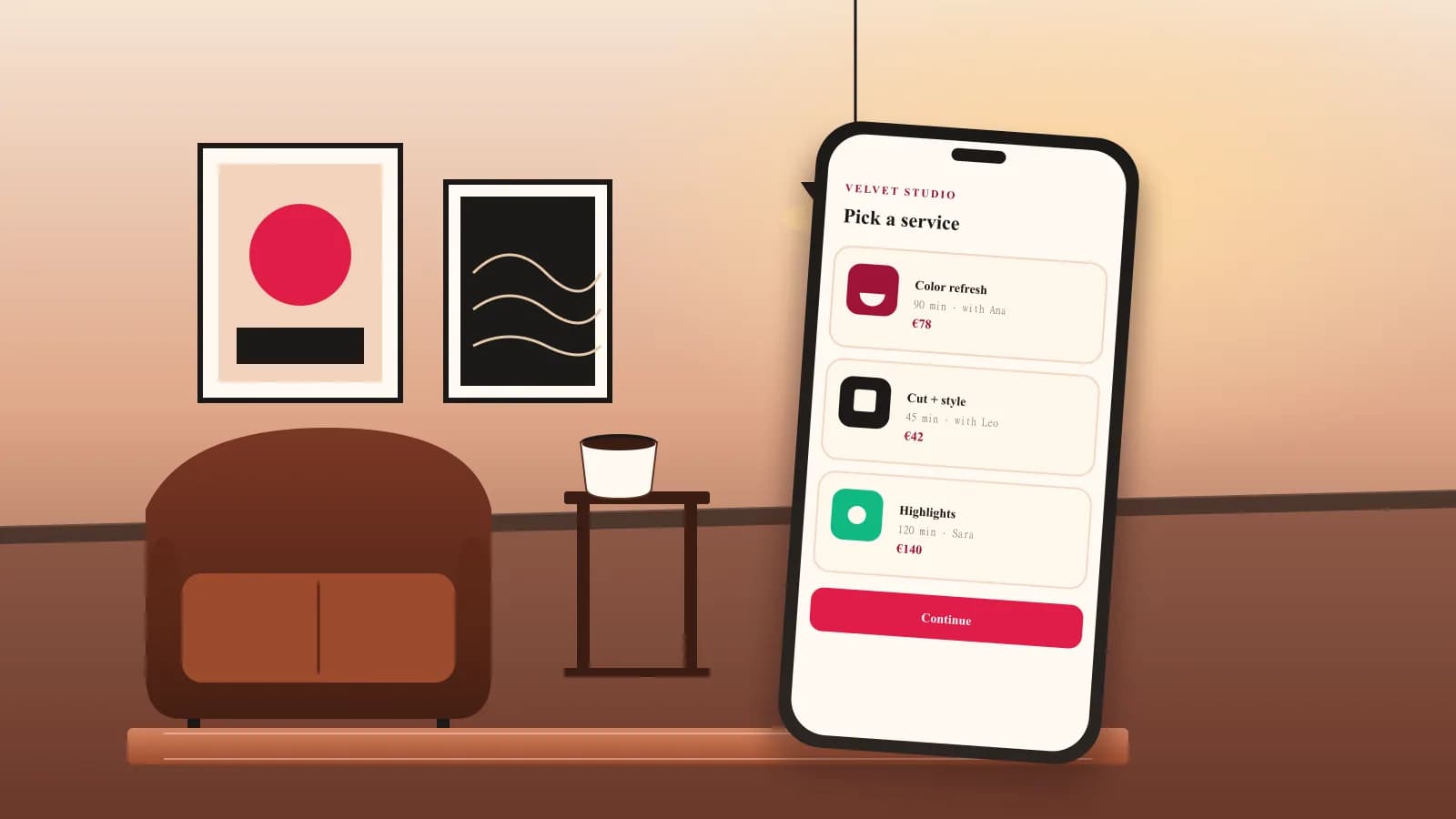
Visual proof
The booking flow should look as considered as the service.